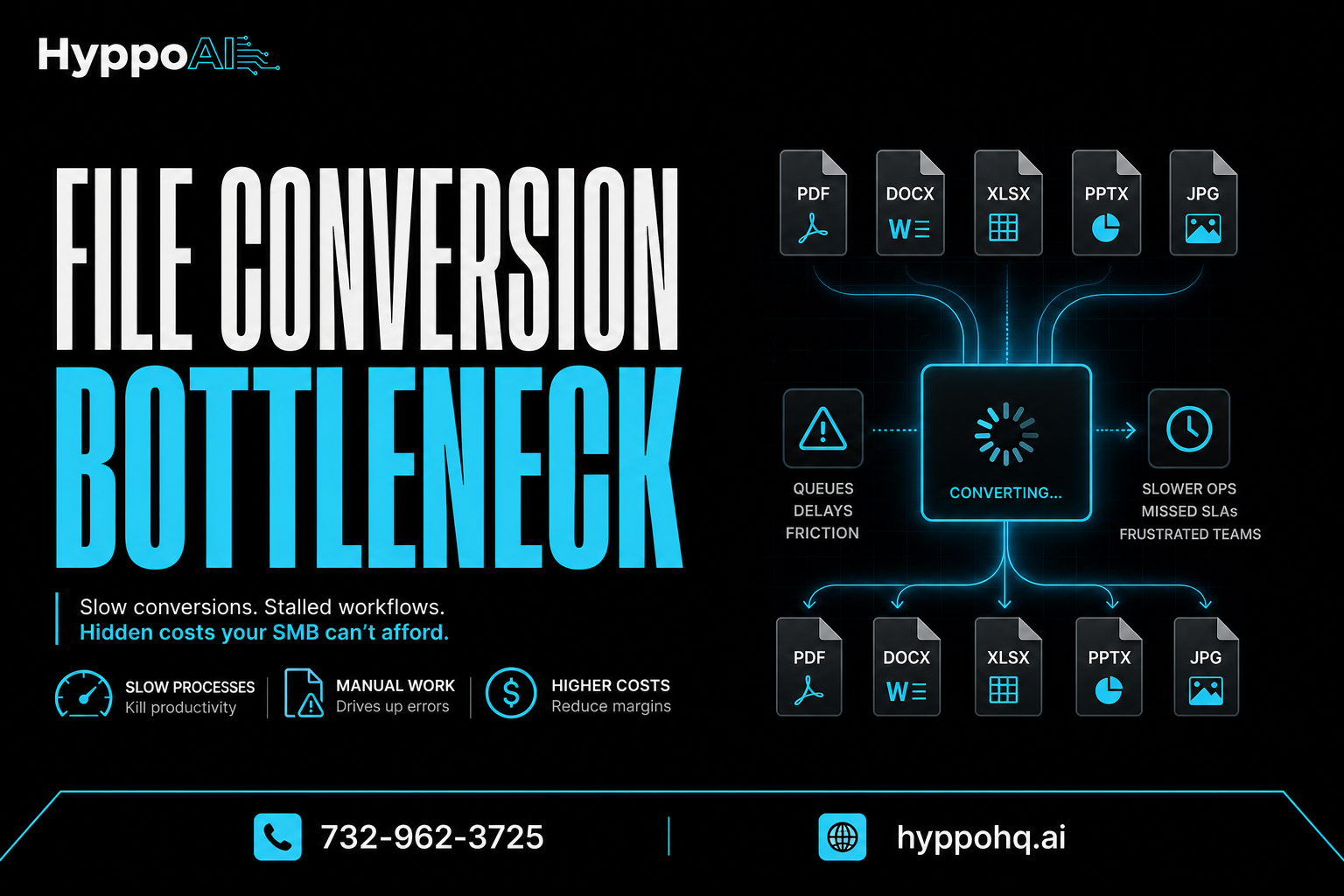
Why file conversion is a hidden bottleneck for SMBs
Every business wants faster workflows, cleaner data, and fewer manual tasks. But one hidden problem keeps slowing teams down: file conversion.
It rarely shows up in strategy meetings. It usually is not treated like a major operations issue. Yet for many small and mid-sized businesses, converting files between formats is a daily friction point that quietly eats time, creates errors, and delays execution.
A PDF needs to become editable text. A scanned invoice needs to turn into structured data. A spreadsheet has to be reformatted for another system. An image-based document needs OCR before anyone can use it. None of this feels dramatic on its own. But when it happens over and over across sales, operations, finance, and customer service, file conversion becomes a real bottleneck.
Why file conversion gets overlooked
Most bottlenecks are easy to spot. A broken process causes obvious delays. A staffing issue creates visible backlog. File conversion is different because it is spread across dozens of small moments.
It often looks like:
- downloading attachments manually
- renaming files to match internal standards
- copying data from PDFs into CRMs or spreadsheets
- converting images into text before processing
- reformatting reports for clients or vendors
- fixing layout issues after a conversion goes wrong
Each task may take only a few minutes. But when multiple team members repeat them every day, those minutes become hours.
The bigger issue is that file conversion often sits between systems. It is not always owned by one department, so no one is fully accountable for improving it.
The real cost of manual conversion
When leaders think about productivity loss, they usually focus on major software gaps or labor-heavy workflows. Manual file conversion deserves the same attention because its costs compound quickly.
Time loss across the team
If five employees each spend 20 to 30 minutes a day converting, cleaning, or re-entering file data, that adds up fast. Over a month, that can mean dozens of lost hours spent on low-value work.
That time could be used for:
- responding to customers faster
- following up with leads
- improving reporting accuracy
- handling exceptions that actually require human judgment
Higher error rates
Manual conversion creates opportunities for mistakes. A missed field, formatting issue, or copy-paste error can affect downstream systems and decisions.
Common examples include:
- incorrect invoice totals entered into accounting tools
- customer data imported into the wrong fields
- contract details missed during document review
- duplicate records created after inconsistent formatting
One bad conversion can trigger rework across multiple systems.
Slower turnaround
When file conversion sits at the start of a process, everything behind it waits. That means delays in approvals, onboarding, quoting, billing, compliance checks, and reporting.
For SMBs, speed matters. If your team is waiting on documents to be converted before work can continue, the bottleneck affects both internal efficiency and customer experience.
Where file conversion commonly slows SMB operations
This issue shows up in more places than most businesses realize.
Sales and lead handling
Leads often arrive through forms, PDFs, attachments, or exported lists. If that information has to be manually cleaned and converted before entering a CRM, follow-up slows down.
That delay can mean:
- slower response times
- missed opportunities
- inconsistent lead records
- weaker sales reporting
Finance and accounting
Invoices, receipts, statements, and purchase orders often arrive in mixed formats. Teams may need to extract data from PDFs, scans, or images before they can process payments or reconcile records.
This creates unnecessary labor in a function where accuracy and speed are both critical.
Operations and admin workflows
Internal operations depend on documents moving smoothly between people and systems. When forms, reports, and records need constant conversion, admin work expands and process visibility drops.
The result is often a patchwork workflow with too many manual steps.
Customer service and onboarding
Customers send screenshots, forms, ID documents, contracts, and intake files in all kinds of formats. If your team has to normalize all of that by hand, service slows down and onboarding becomes inconsistent.
Why this bottleneck gets worse as you scale
A small team can often work around file conversion issues for a while. But growth makes the problem harder to ignore.
As volume increases:
- more files enter the business each day
- more systems need structured data
- more staff touch the same documents
- more exceptions appear in formatting and quality
What used to be a tolerable annoyance becomes a drag on throughput.
This is one reason growing SMBs feel busy without feeling efficient. Work is moving, but too much of it is spent preparing information instead of acting on it.
How automation changes the equation
The good news is that file conversion is exactly the kind of repeatable task automation can improve.
With the right workflow design, businesses can reduce or eliminate manual conversion steps by using AI and automation to:
- classify incoming files
- extract text and data from PDFs or images
- standardize formats automatically
- route converted data into business systems
- flag exceptions for human review
- maintain cleaner records with less rework
This does not just save time. It creates more reliable operations.
Better consistency
Automated conversion workflows follow the same rules every time. That means fewer formatting variations, cleaner data, and more predictable outputs.
Faster processing
Instead of waiting for someone to open, convert, rename, and re-enter information, files can move through the workflow immediately.
That shortens cycle times and helps teams respond faster.
Smarter human involvement
Automation works best when it removes repetitive work and leaves real judgment calls to people. Your team should not be spending valuable hours on basic format handling.
They should be focused on review, decisions, and customer-facing work.
Signs file conversion is hurting your business
Not sure if this is a serious issue in your operation? Look for these warning signs:
- employees regularly complain about document cleanup
- data entry errors appear after receiving files from outside sources
- turnaround time slows when document volume rises
- team members use different tools or methods to convert files
- important workflows start with manual reformatting
- staff spend time copying information between documents and systems
If any of these sound familiar, file conversion may be a bigger operational problem than it seems.
What SMB leaders should do next
You do not need to automate everything at once. Start by identifying where file conversion creates the most friction.
Ask questions like:
- Which file types create the most manual work?
- Where does data need to be re-entered after conversion?
- Which teams are spending the most time on document preparation?
- What downstream errors are caused by inconsistent file handling?
- Which processes slow down when incoming document volume spikes?
Once you find the highest-friction points, you can prioritize automation opportunities with the clearest ROI.
In many cases, the value is not just labor savings. It is faster service, cleaner reporting, fewer errors, and a workflow that can scale without adding unnecessary admin burden.
The hidden bottleneck worth fixing
File conversion is easy to dismiss because it feels small. But in practice, it touches core business functions and quietly slows everything around it.
For SMBs trying to scale, improve responsiveness, and get more from their systems, this is not a minor technical nuisance. It is an operations issue.
The businesses that win are often not the ones doing more work. They are the ones removing friction from the work that should never have been manual in the first place.
If file conversion is quietly draining time in your business, HyppoAI can help you identify automation opportunities and build smarter workflows. Visit https://hyppohq.ai or call +17329623725 to start the conversation.